Gemini 4 Hydrogen’s Hallucination Rate Hit 8%. How Much Did It Skip?
Gemini 4 Hydrogen hit 8.48% on AA-Omniscience and skipped 1,319 of 3,000 questions. Here’s how to read the chart and test your own AI app.
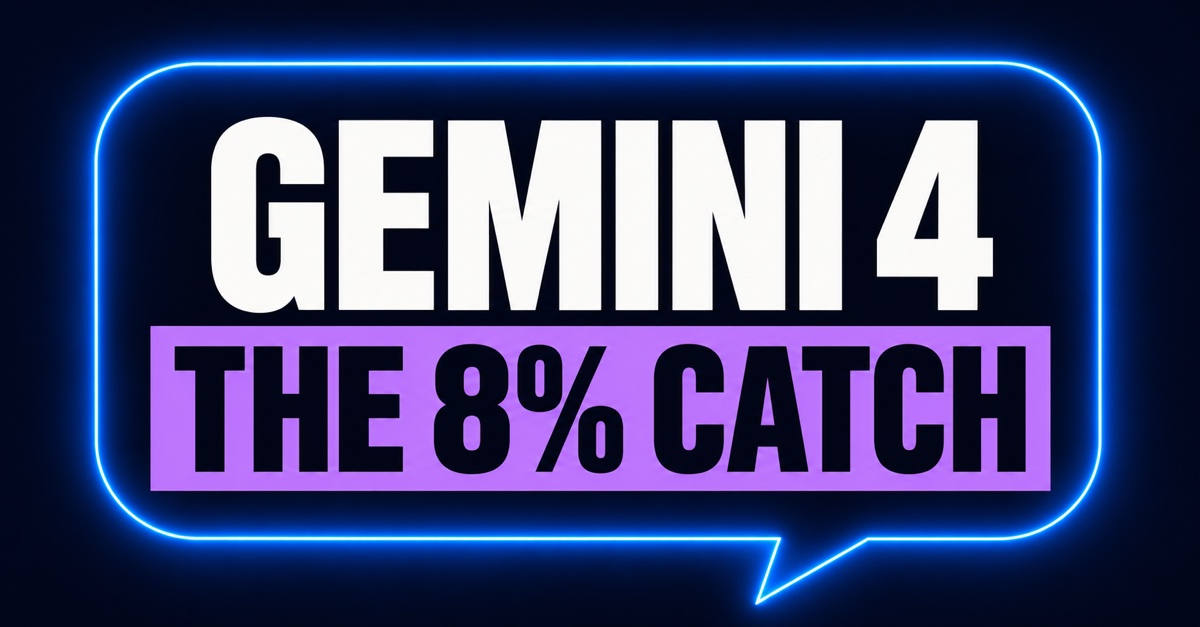
Gemini 4 Hydrogen’s hallucination rate was 8.48% at its highest thinking setting on Artificial Analysis’s AA-Omniscience v1.1 benchmark. The chart rounds that to 8%, ahead of Gemini 4 Carbon at 11% and Gemini 4 Neon at 14% in the same 28-entry view. We reconstructed the counts from the benchmark’s published rates. Hydrogen got 1,514 of 3,000 questions fully right, 126 wrong and 1,319 unattempted, with 41 partial answers. The 8% bar tells you what happened among the answers that fell short of fully correct. Artificial Analysis leaderboard
If you build a docs assistant, that split matters. An assistant that asks which SDK version a customer uses creates one extra turn. An assistant that invents a flag can send the customer digging through a project for a feature that was never there. Both outcomes show up as missed answers. They can have very different costs.
What the Gemini 4 hallucination rate counts
AA-Omniscience v1.1 asks 3,000 factual questions across six domains, including software engineering. Models get no tools or source material and are told to abstain when uncertain. An AI grader puts each reply into one of four buckets: fully correct, incorrect, partial or unattempted. Anyone can inspect the 300 public questions and the grader prompt. Artificial Analysis keeps the other 2,700 questions private. Public dataset and grading setup
Start with Hydrogen’s 3,000 responses and remove the 1,514 fully correct ones. That leaves 1,486 responses, including partial answers and abstentions. Divide the 126 outright misses by 1,486 and you get 8.48%. Divide those same 126 by all 3,000 questions and you get 4.20%. Its accuracy, the share of all questions it got fully right, was 50.47%. A model could get a 0% hallucination rate by abstaining on every question. Its accuracy would also be 0%. Benchmark methodology
Artificial Analysis highlighted Hydrogen’s low rate when it released its own results on November 12. The lab ran the model at several reasoning settings. The 8% figure comes from the xhigh run. Artificial Analysis’s launch thread
Two 59% bars can hide very different results
Here’s a comparison of six settings from the chart, using the underlying results we checked on November 25. The AA rate uses only the responses short of fully correct. The correct and wrong shares both use all 3,000 questions. AA-Omniscience results
| Model and tested effort | Benchmark results |
|---|---|
Gemini 4 Hydrogen (xhigh) | 8.48% AA rate · 50.47% correct · 4.20% wrong |
Gemini 4 Carbon (high) | 11.42% AA rate · 58.27% correct · 4.77% wrong |
Gemini 4 Neon (xhigh) | 14.42% AA rate · 60.47% correct · 5.70% wrong |
Claude Opus 5.5 (max) | 50.34% AA rate · 65.50% correct · 17.37% wrong |
GPT-6.2 Astra (max) | 59.07% AA rate · 68.57% correct · 18.57% wrong |
Claude Fable 5.2 (max) | 59.27% AA rate · 79.13% correct · 12.37% wrong |
Fable and Astra both appear at 59% on the chart. On these 3,000 questions, Fable got 317 more fully right and 186 fewer outright wrong than Astra. It had a smaller pool of misses, so its outright errors made up a slightly larger share of that pool. You’d miss both improvements if you read only the bars. Artificial Analysis also publishes a net score that gives one point for a correct answer, subtracts one for a wrong answer and leaves partials and abstentions at zero before scaling by question count. Fable scores 66.77 and Astra scores 50.00. Net score and accuracy charts
Check the thinking setting before you compare models
The 28-entry view leaves out two Gemini configurations that Artificial Analysis lists at about 4% across the full leaderboard: Gemini 4 Carbon at medium and Gemini 4 Argon at high. Carbon’s 11.42% bar comes from high. The Hydrogen and Neon results highlighted in the chart are both from xhigh, while Google’s Gemini API documentation lists high as the default for those two models. Record the thinking level with the model name when you reproduce a result. Full leaderboard · Gemini API thinking levels
In its Neon launch analysis, Artificial Analysis found high beat xhigh on GDP.pdf, its separate test that includes visual reasoning over documents. The share of tasks passing every check was 33.4% at high and 28.0% at xhigh. Google’s Hydrogen report makes another useful distinction. It reports closed-book recall separately from whether the model sticks to documents it’s given. If you supply release notes or internal docs, test how well your assistant uses those sources. Artificial Analysis’s Neon results · Google’s Hydrogen report, figures 5.12–5.14
Put a cost on a wrong answer
Neon at xhigh got 300 more questions right and 45 more wrong than Hydrogen at xhigh. Give each right answer one point and leave partials and abstentions neutral, as AA’s net score does. Then decide how much to subtract for a wrong answer. The two models tie when a wrong answer costs 300 ÷ 45, or about 6.7 points. At a penalty of two, Neon’s extra right answers outweigh its extra mistakes. At a penalty of seven, Hydrogen comes out ahead in this comparison. That’s an illustration using the published counts, with token cost, latency and the cost of escalation left out. Source results for the calculation
For an assistant that suggests code to an engineer who will run tests, a wrong guess may be cheap to catch. For one that replies directly to a customer about a version-specific setting, the same guess can create a support ticket and a lengthy debugging session. Price that extra work into your test before picking a winner.
What to do before you switch your default model
- Build a small test set from real questions about your SDK. Include questions with a clear answer, questions about a feature that only exists in a newer release, and questions your docs can’t answer. Write the expected answer or follow-up and record the version and supporting passage for each.
- Run your current model and the candidate with the same prompt and retrieved passages. Log the model ID and thinking level. Test the setting you would actually deploy, then try another effort level if the accuracy, latency or cost misses your target.
- Score each reply as correct, wrong, partial or unattempted. On answerable questions, a clean refusal still costs a turn. On questions your docs can’t answer, count how often the model asserts a detail its evidence doesn’t support. Check that citations actually substantiate the version, flag or API name in the answer.
- Test the fallback with empty retrieval and an outdated document. A request for the user’s version should have a clear next step. A missing source should hand off to a second lookup or a person before anything gets sent to a customer.
Give the assistant something concrete to do when the evidence runs out. Here’s a starting instruction for a versioned docs assistant:
Answer using the supplied docs for the user's installed version.
Cite the passage and version that support your answer.
If the version is missing and changes the answer, ask for it.
If no supplied passage supports an answer, request another lookup.
Keep the first trial small enough to read every wrong answer. If you plan to run the model inside Antigravity as well, include an interruption and a resume in the trial so you can see how the workflow handles Gemini 4 Neon’s quota and tool limits.